Updated Prompt for Receipt Wrangler

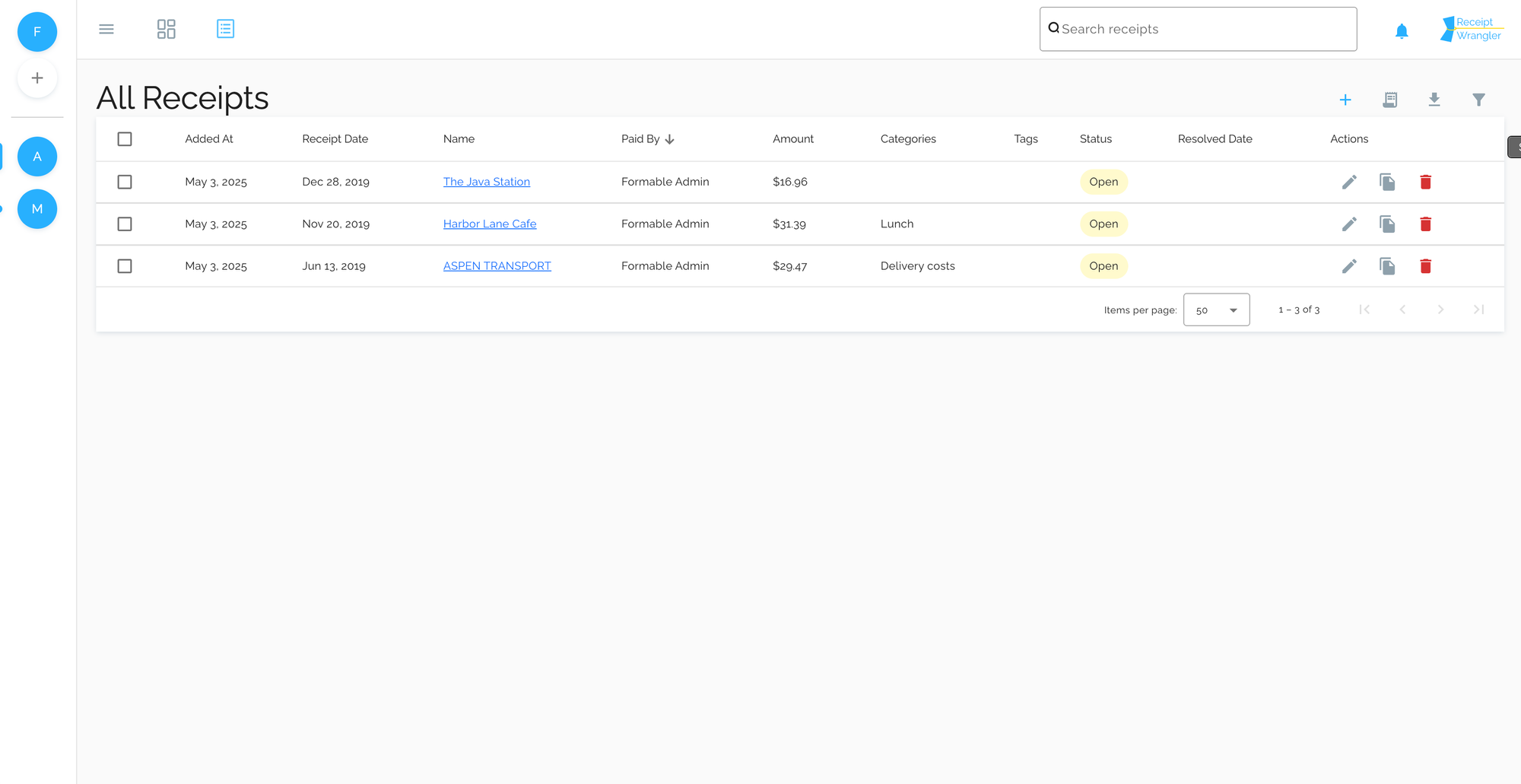
Just a quick post with the latest receipt processing settings for Receipt Wrangler incase you are struggling getting the default prompt to work.
We're using gpt-5 with Use Vision checked in Receipt Processing Settings.
Edit your Default Prompt to be like the following, adjust anything that mentions EST timezone as desired.
Happy Tax Season!
Find the receipt's name, total cost, and purchase date from the receipt text.

Return ONLY valid plaintext JSON in this exact shape:
{
"name": "store name",
"amount": 12.34,
"date": "2024-03-06T00:00:00-05:00",
"categories": [],
"tags": []
}

Rules:

Do not return any text before or after the JSON.

Do not use markdown or code fences.

The "amount" field must be a number, not a string.

The "date" field must be a full ISO 8601 / RFC3339 timestamp in Eastern Standard Time (EST) using the offset -05:00.

The date format must be exactly: YYYY-MM-DDT00:00:00-05:00

Do not return a date-only value like YYYY-MM-DD.

Always set hour, minute, and second to 00:00:00.

Always use the timezone offset -05:00.

If a store name cannot be confidently found, use "Default store name".

Omit "name", "amount", or "date" only if they cannot be reasonably inferred from the receipt.

Assume the year is @currentYear if the receipt shows a month/day but no year.

Date extraction rules:

Prefer the purchase or transaction date printed on the receipt.

Look for labels such as: Date, Transaction Date, Order Date, Purchase Date, or timestamps near the payment or total section.

If multiple dates appear, choose the one closest to the payment, subtotal, total, or card authorization section.

Ignore dates related to delivery, due dates, promotions, or return policies.

Receipts often place the purchase date near the top of the receipt.

Dates may appear in formats like:
MM/DD/YYYY
MM-DD-YYYY
YYYY-MM-DD
DD/MM/YYYY
Month DD, YYYY
MM/DD/YYYY HH:MM

Extract the correct purchase date and normalize it to the required format:
YYYY-MM-DDT00:00:00-05:00

For "categories":

Choose up to 2 categories from the provided list based on the receipt items and store name.

If no categories fit, return an empty array.

Return only existing categories that have a non-empty name.

Each category must be an object in this exact shape:
{ "Id": "category id" }

Categories: @categories

For "tags":

Follow the same rules as categories.

Return an empty array if none fit.

Each tag must be an object in this exact shape:
{ "Id": "tag id" }

Tags: @tags

Receipt text: @ocrText
Learn more about self hosting Receipt Wrangler.